BlueStacks icon

BlueStacks

  5.22.166.1003
  • 1
  • 2
  • 3
  • 4
  • 5
  • 6
  • 7
  • 8
  • 9
  • 10
3.4
/ 303 ratings

An Android emulator with a unique interface built for Windows PCs

BlueStacks |
updated on March 11, 2026
Download for Windows
Bluestacks is an Android emulator built from the ground up for Windows. It is designed to give Windows PC users the opportunity to play mobile games from the comfort of their desktop.

An integrated app discovery interface

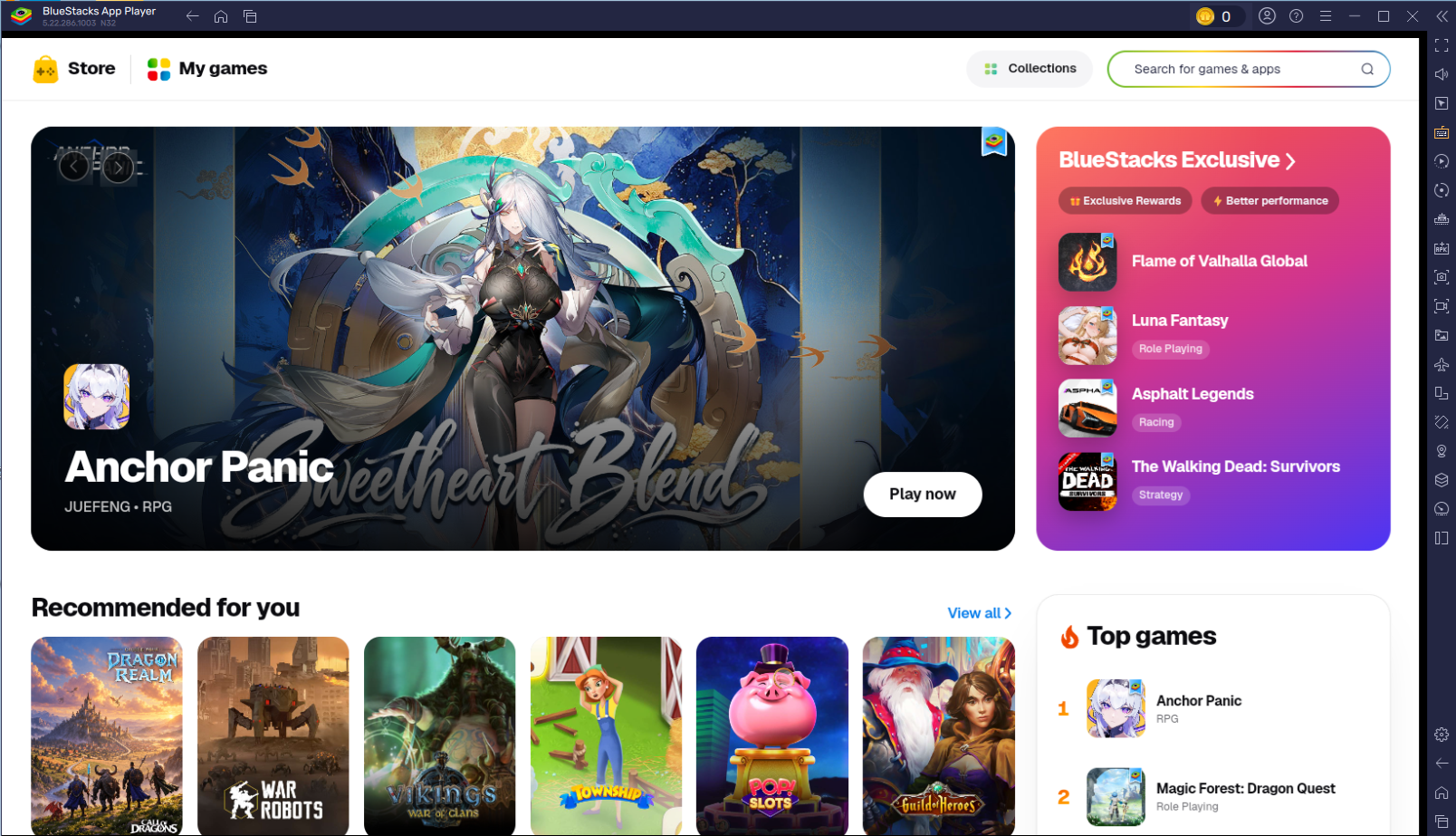
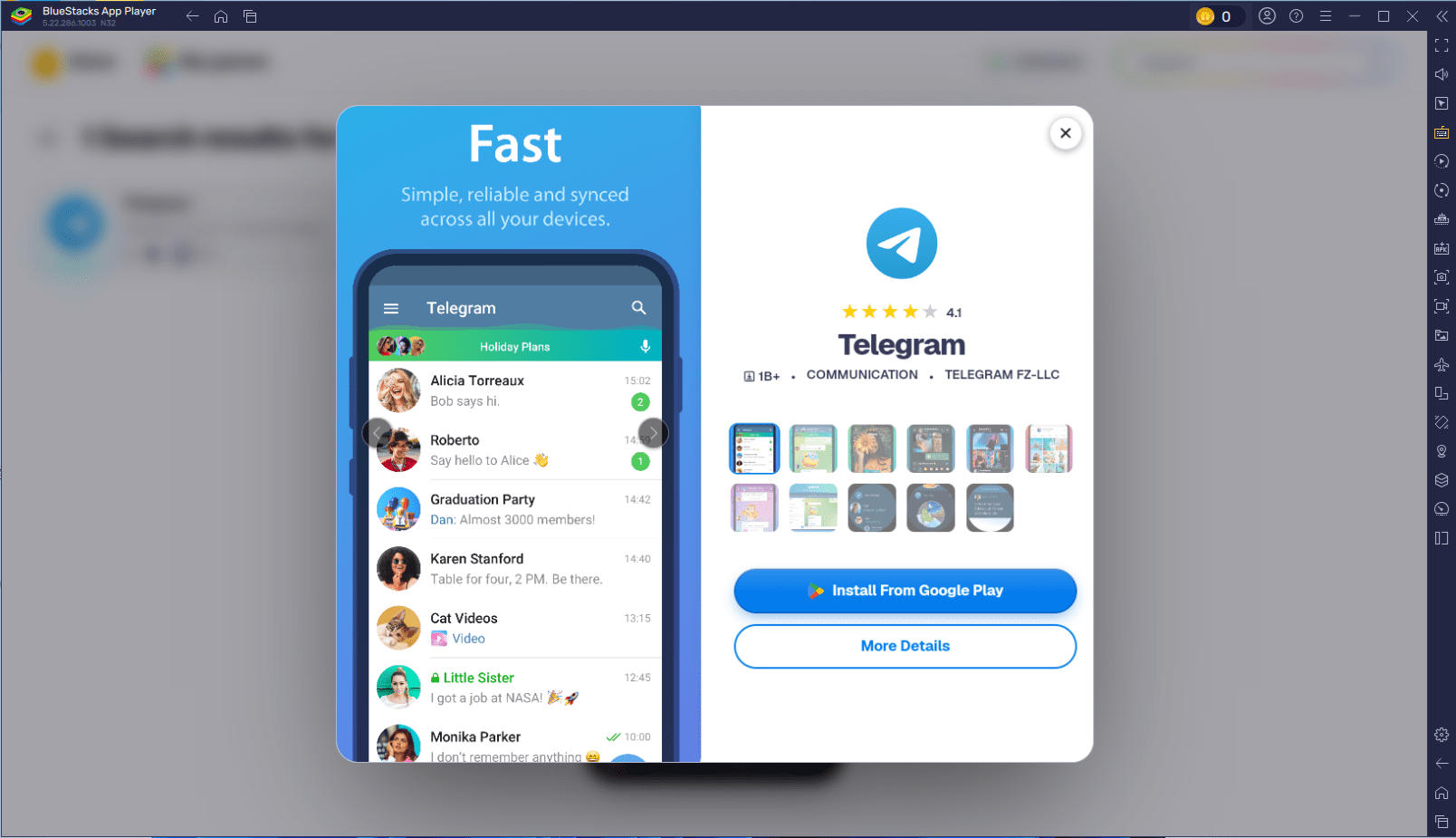
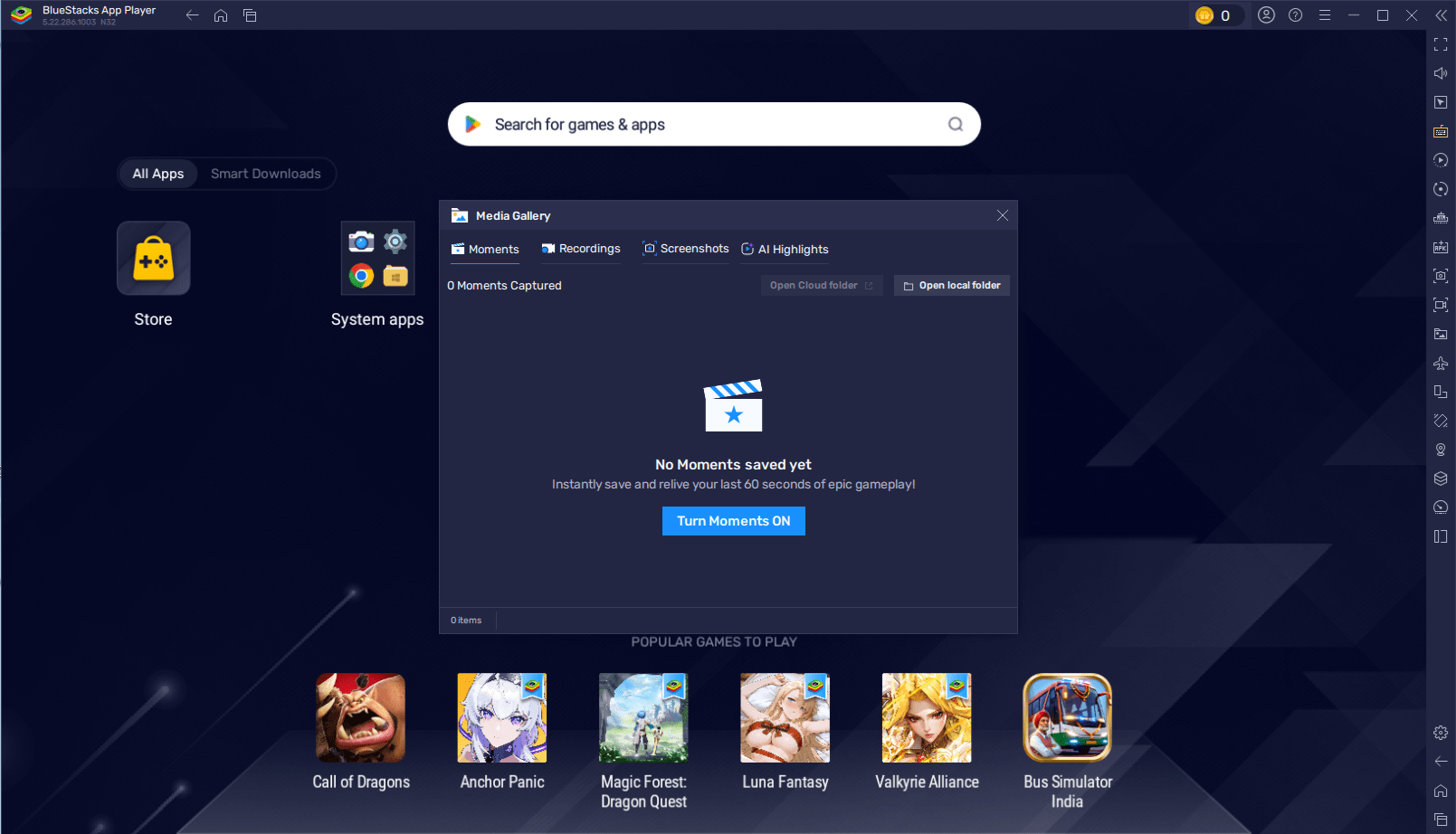
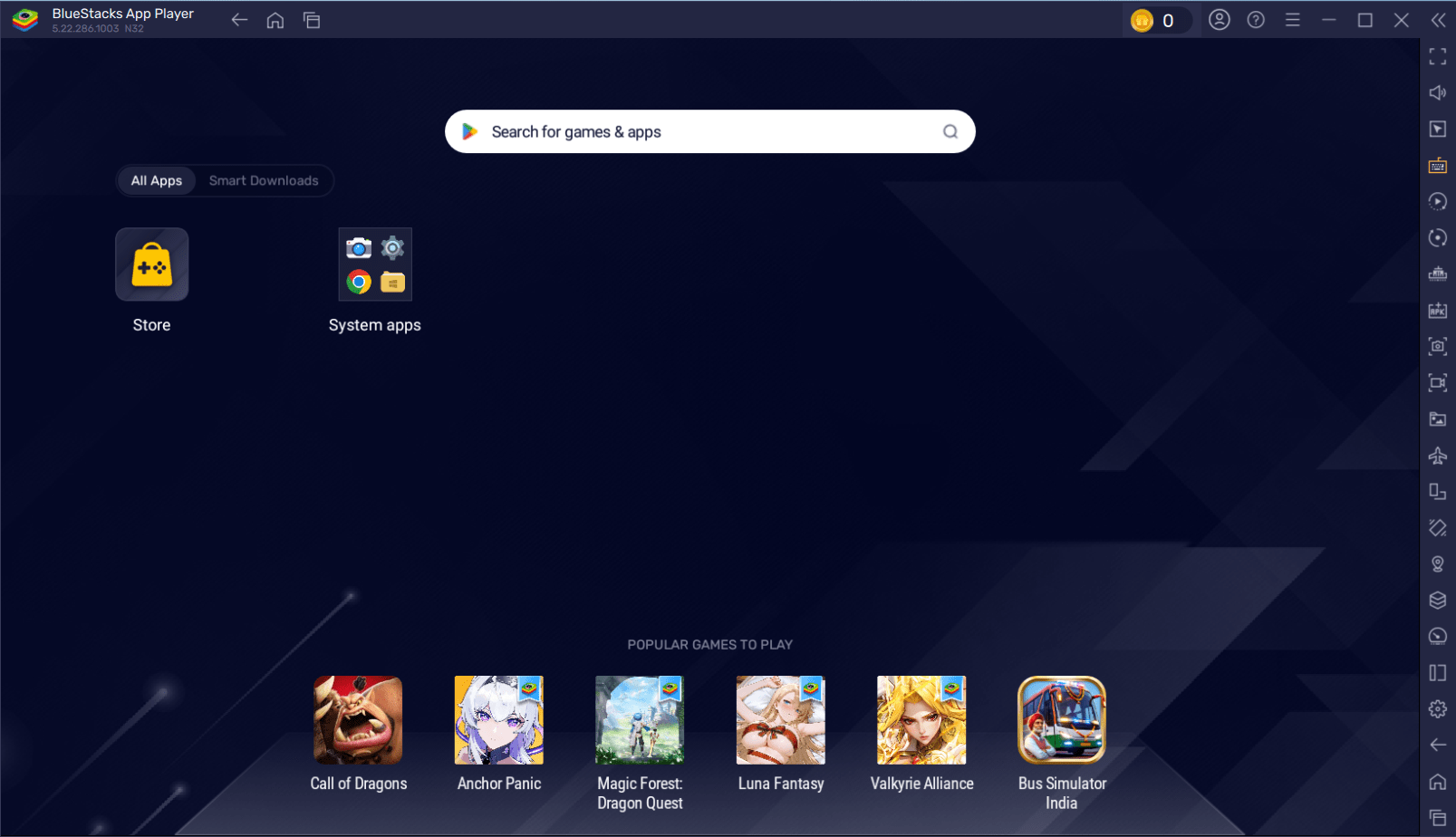
You can play any app or game from the Google Play Store, but the emulator also recommends top titles through its own interface. As soon as you start Bluestacks for the first time, you'll find yourself in this app store-like environment.

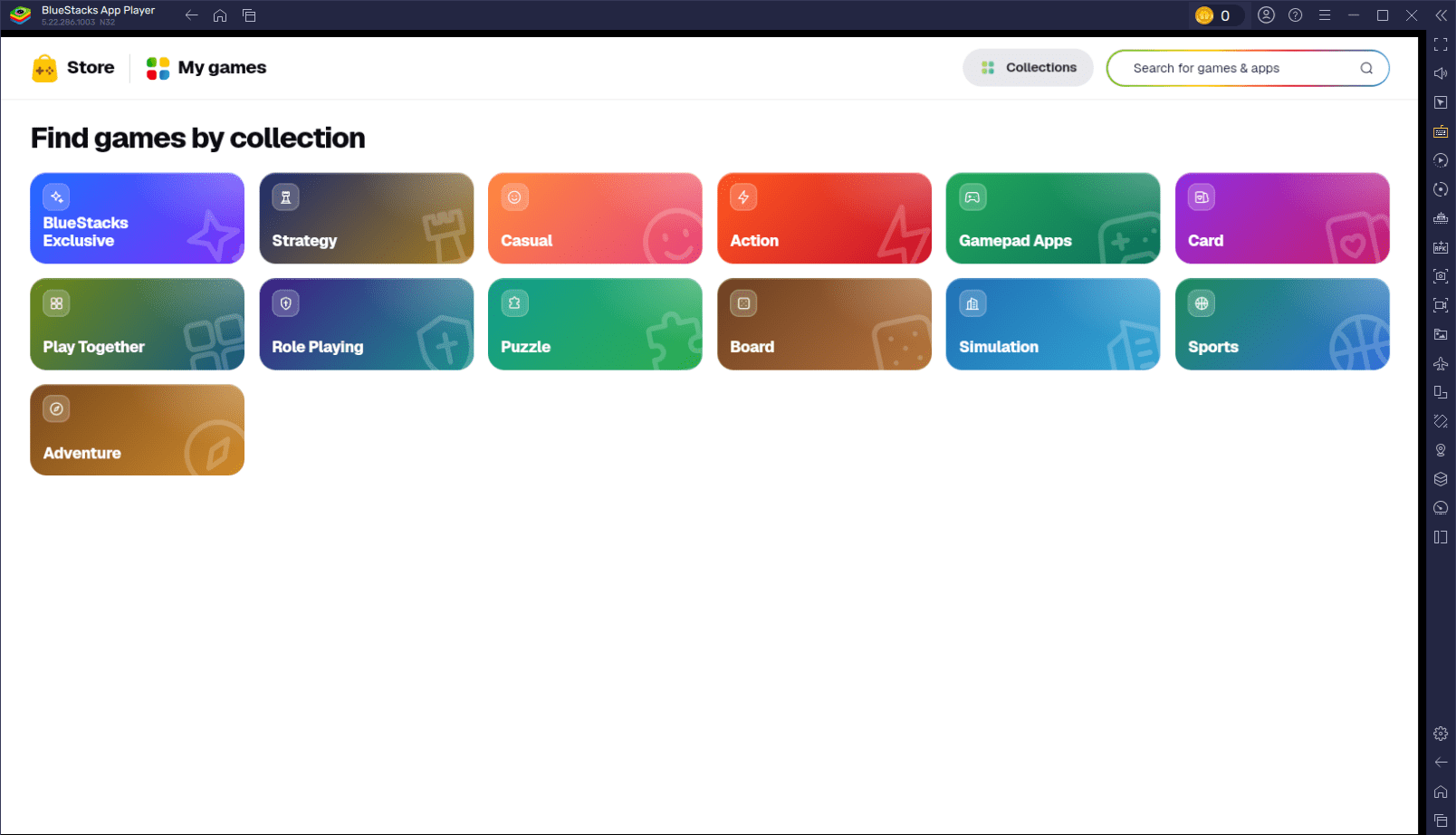
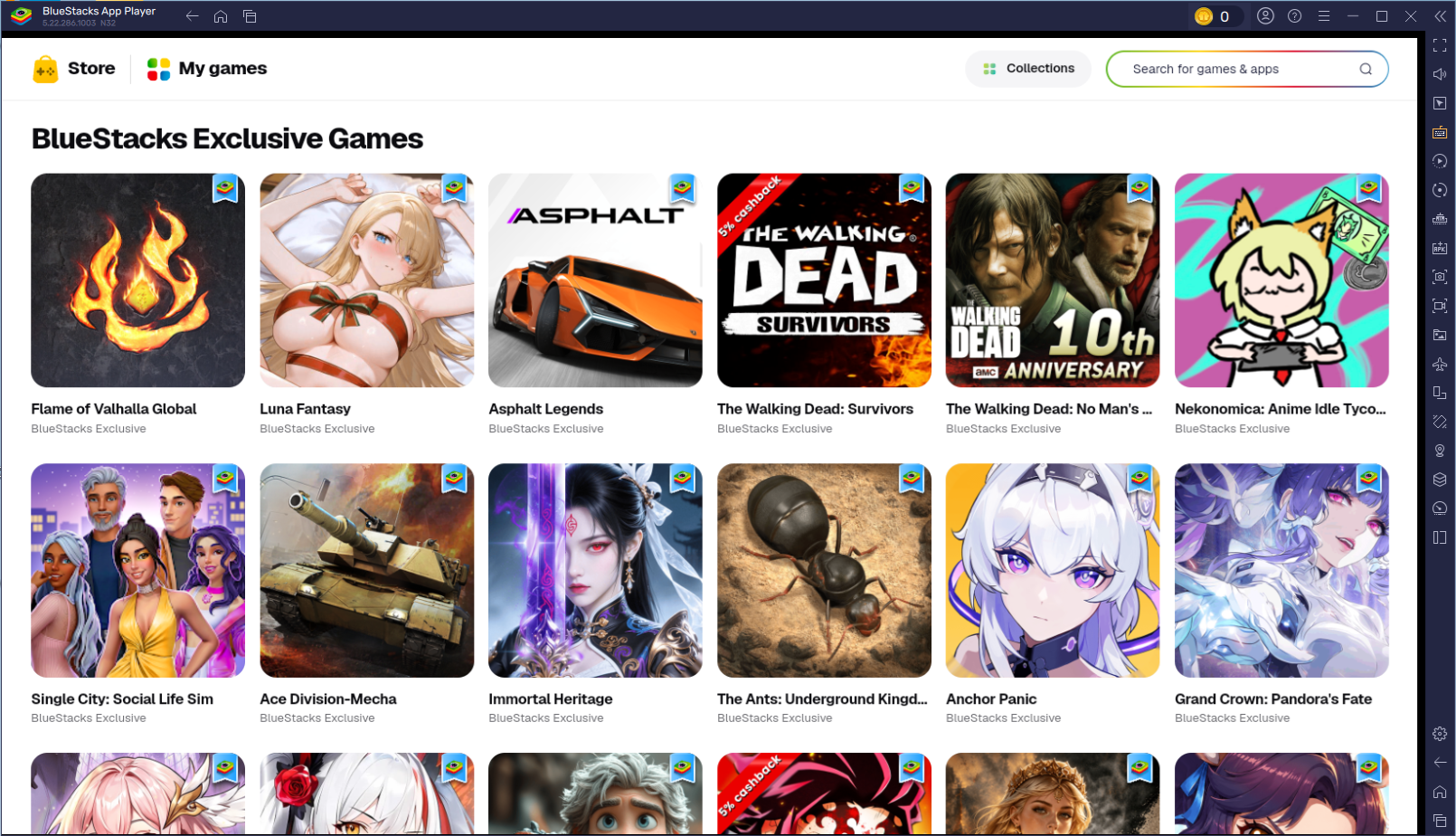
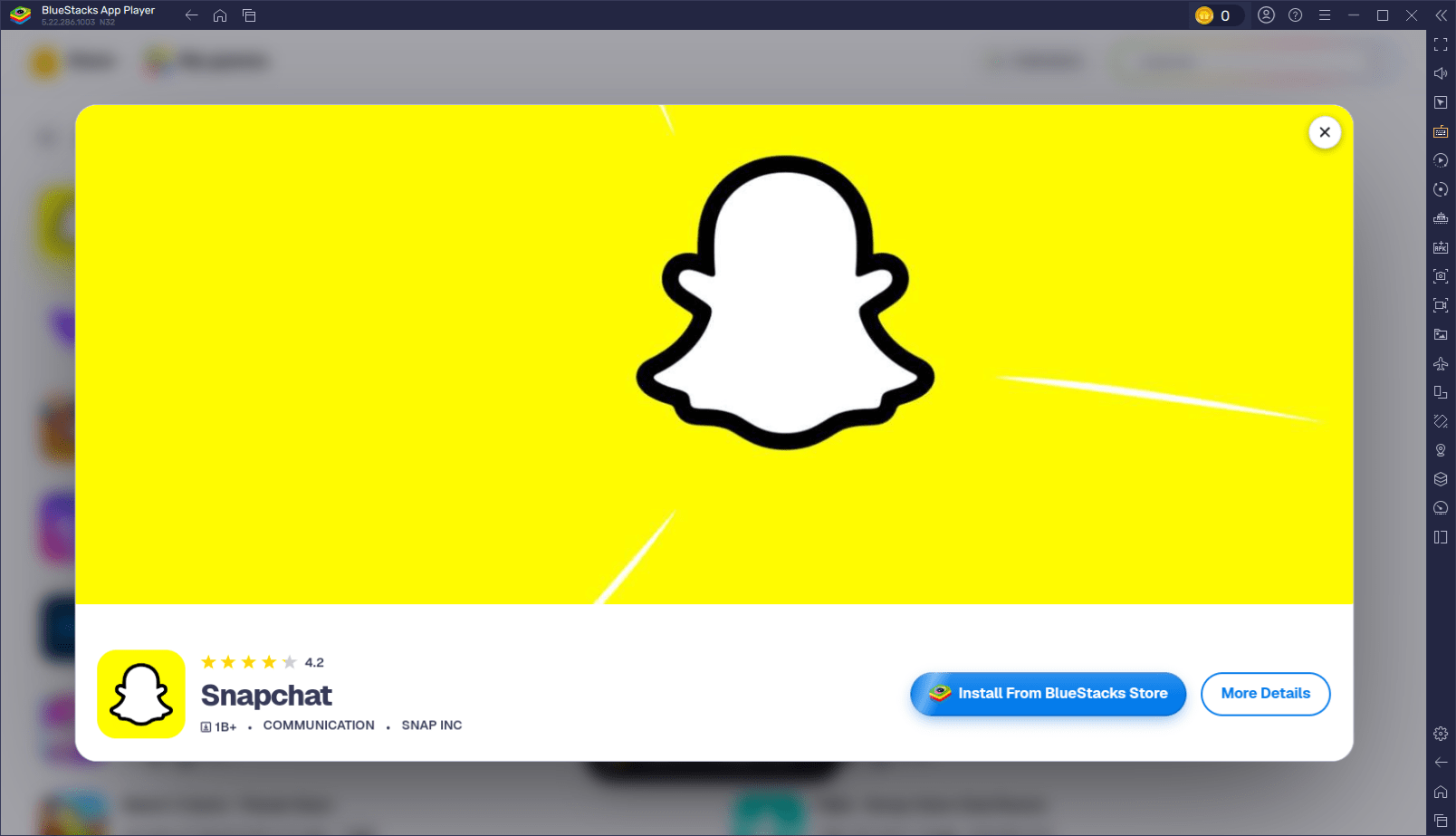
You can scroll through categories, find top picks, or download the games most played by other Bluestacks users. Clicking on an app takes you to the Google Play Store, where you can download it with a single click. Alternatively, you can browse the Google Play Store directly instead of going through the Bluestacks storefront.

Managing your installed games

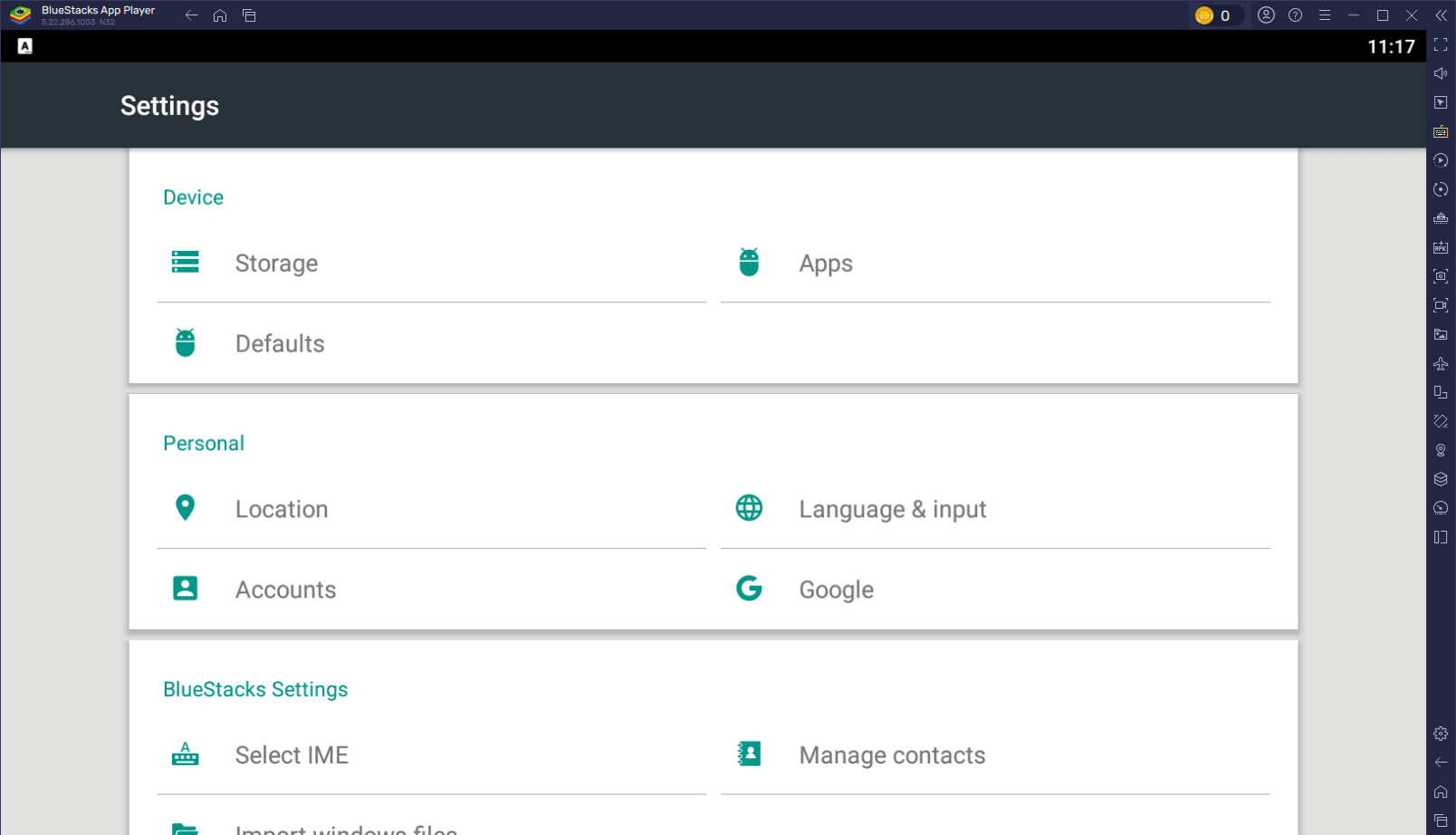
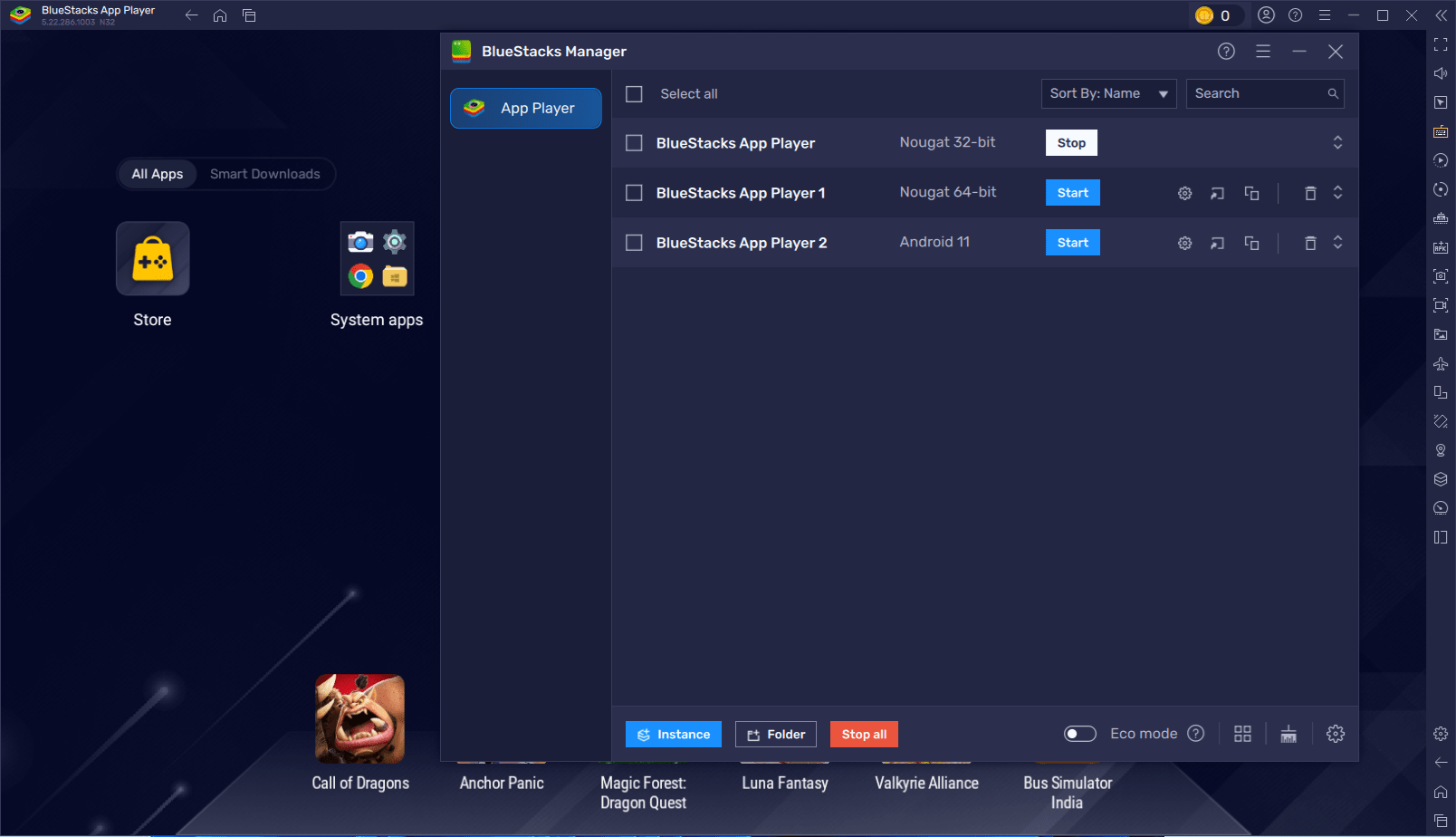
Once you download an app, you can access it directly from the emulator's home screen. You can also use the built-in tools to install .apk files from third-party sources. There is also a useful feature for running multiple instances of the client, allowing you to run several apps at once. These can be multiple instances of the same game or entirely different apps.

Customizing controls for desktop play

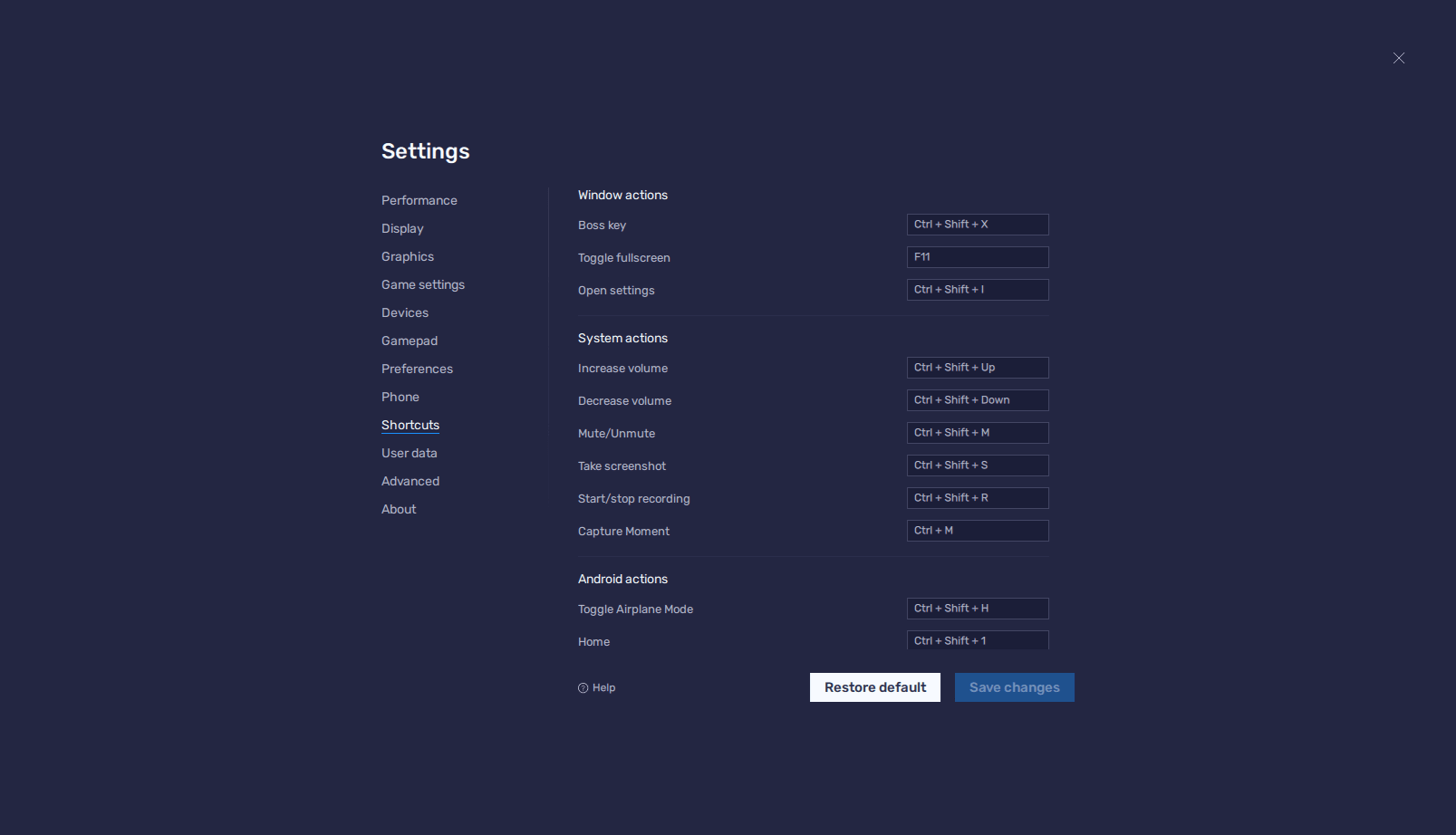
Opening an app gives you access to a new set of tools. You can control games by clicking the on-screen buttons, or use the available options to bind your keyboard to specific on-screen actions. It's very easy to get set up.

Performance and monetization

Performance on Bluestacks is decent in most cases, though it can struggle on low-end hardware compared to lighter alternatives. While the core program is free, it is ad-supported, and you'll need to pay for a monthly subscription if you want an ad-free experience.
Ollie Green
Ollie Green
App tester and reviewer
★★★★★
★★★★★

Pros

  • Unique interface for finding games and apps
  • Multi-Instance mode for running multiple apps
  • Easy tools for setting up keybinds

Cons

  • It tries to force you through its own app store, which may be frustrating for some
  • Free version is ad-supported; monthly subscription required for ad-free version
  • Performance isn't as great on low-end machines
LicenseFree
Minimum requirements• Administrator privileges
• 2GB of RAM
• 4GB of disk space
view more...
• Updated graphic drivers
• Broadband connection
Recommended requirements• Windows 10 OS
• Administrator privileges
• Intel Core i5-680 (passmark 3500) or higher processor with virtualization extensions enabled in the BIOS
view more...
• Intel HD 5200 (passmark 750) graphics card or higher
• 6GB RAM or higher
• SSD HDD (or fusion)
• 40 GB disk space
• Broadband connection to access games, accounts and related content
• High performance power plan
• Up to date graphics drivers from Microsoft or the chipset vendor
Previous versions
Operating systemWindows
Supported languagesAvailable in multiple languages
DownloadsTotal: 20642
Last week: 37
Download for Windows